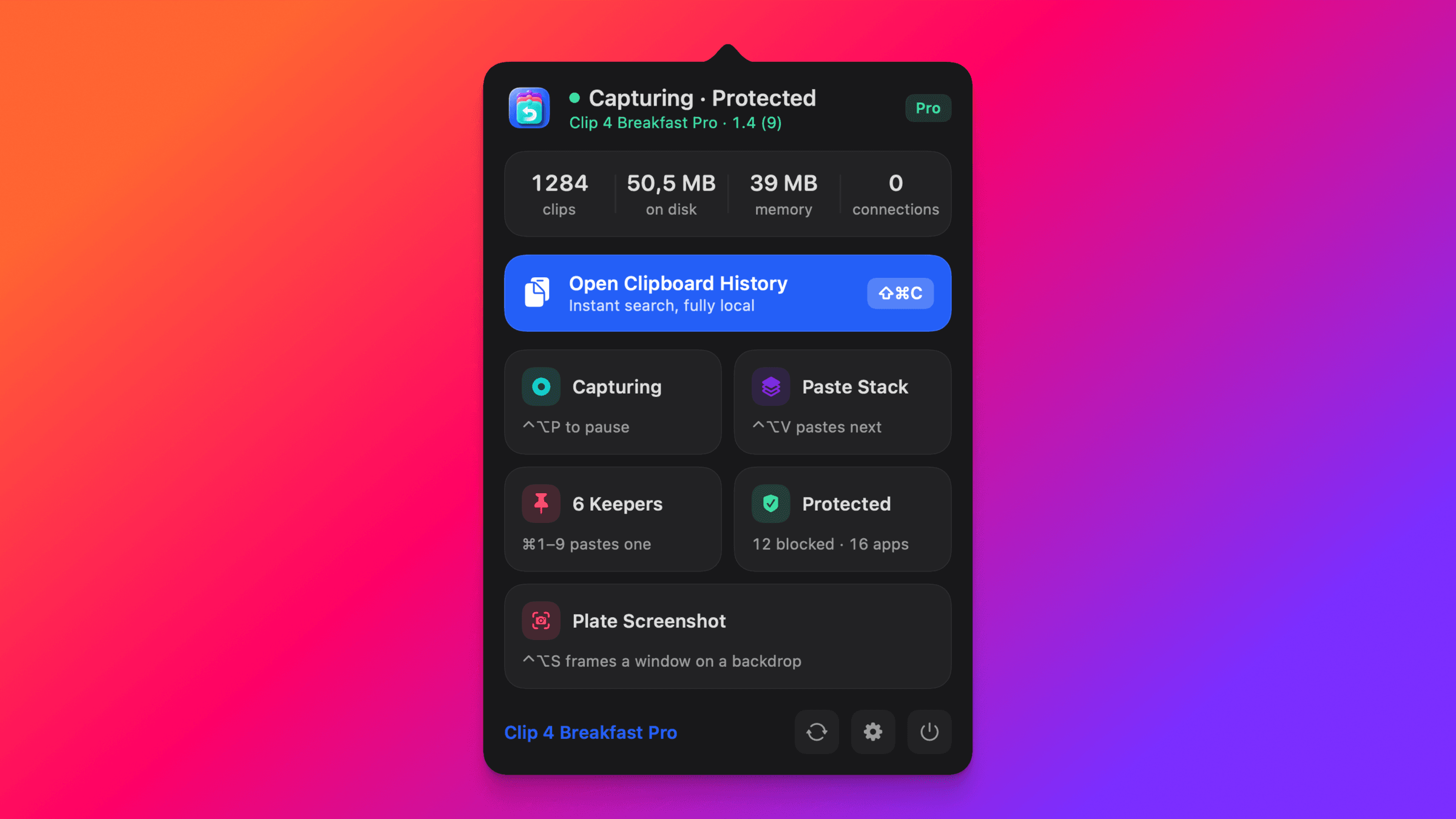
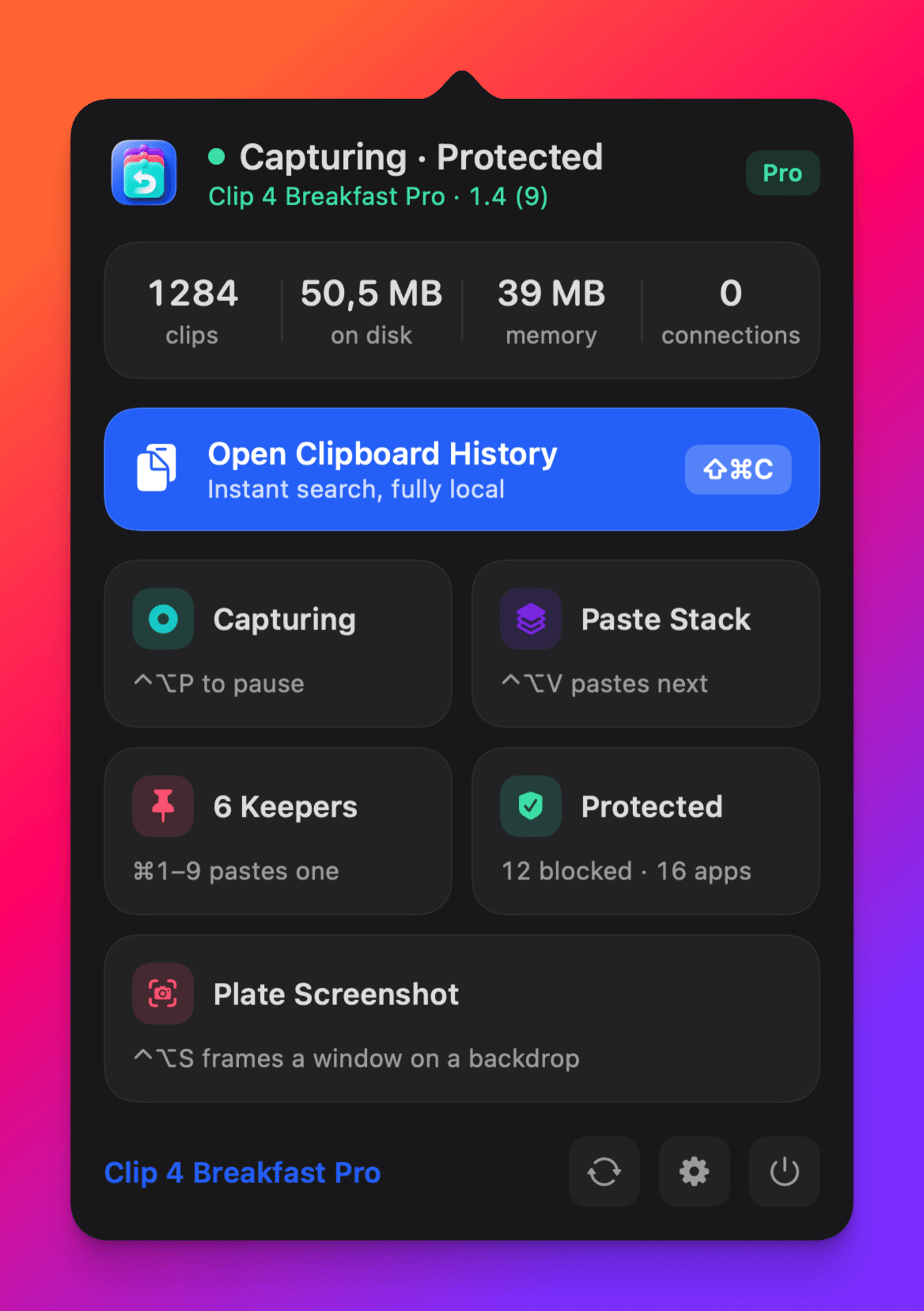
One shortcut starts a capture. What you do next decides how it is cut.
⌃⌥S then click
Click a window
Hover highlights a whole window and one click takes it. macOS hands over that window cut to its exact shape, rounded corners and all, so there is nothing left to trim. Menus and popovers stay open while you aim.
Best for a whole window, a dialog, or a popover.
Space then drag
Or drag a region
Press Space mid-capture and the pointer becomes a crosshair. Drag roughly around what you want. Smart crop then finds the object inside your selection and trims the leftovers away, so a loose drag still comes out clean.
Best for part of a window, or anything a click cannot grab.
Space works in both directions, so you can change your mind without starting over. Prefer to begin with the crosshair? ⌃⌥A does that.
Pick a mood. Or let Auto match your shot.
Candy
Studio
Dawn
Sea Glass
Aurora
Graphite
⌃⌥S
Nothing new to install.
Everyone who has wanted this has hit the same wall: it is a whole separate app. Another purchase, another icon in the menu bar, another thing to update, for one feature you wanted. Meanwhile the screenshot was already going to your clipboard, and Clip 4 Breakfast was already there to catch it. So it just arrives finished.
I always wanted this. Every time I needed a screenshot that looked finished, the answer was to go and buy another app. A whole app, another icon in the menu bar, another thing to keep updated, for one feature.
So I never did it. And Clip 4 Breakfast already had every screenshot I took, so I put it where it belonged. Now I press one key and it is done, and I love that it is just part of the app I already had open.
Ten backdrops
Candy is the default. Auto samples your shot's own colours.
Social ratios
1:1, 16:9, and 4:5, plus padding, corners, and shadow controls.
Original kept
Raw and plated sit side by side in history. Re-plate any time.
On your Mac
Every pixel is processed locally. Nothing is uploaded, ever.
No new permission
macOS runs the capture, so no Screen Recording access is asked.
Yours to rebind
Both shortcuts can be changed in Settings, Screenshots.
Quick answers
How is this different from CleanShot X or Xnapper?
Those are excellent dedicated editors. Clip 4 Breakfast does the whole thing in one keystroke inside the clipboard manager you already run: capture, frame, and back on your clipboard, with the result saved in history. No second app, no second purchase.
Is Plate Screenshot part of Pro?
Yes. It is a Pro feature, and the 14-day free trial includes it in full, with every backdrop.
Can I plate a screenshot I took last week?
Yes, and this is the part a standalone screenshot app cannot do. Every capture is already in your clipboard history, so you can find an old one and choose Add Backdrop on it at any time. A screenshot tool has no history to go back to.
What if the click grabs the wrong thing?
Press Space and drag the region yourself. Layered panels and floating palettes sometimes report a child layer rather than the card you see, so the crosshair is the reliable way to take exactly what you meant. Smart crop still trims the result down to the object.
Try it on your next screenshot
The next capture can look finished.
Download Clip 4 Breakfast, press the shortcut, click a window. The 14-day trial includes every backdrop.