People who want a visual clipboard library shared across Apple devices.
Infinite history, pinboards, previews, collaboration, and optional iCloud-based device continuity.

Focused clipboard comparison
People who want a visual clipboard library shared across Apple devices. This guide shows where that fit differs from a workflow-first clipboard command center.
Already using Paste and thinking about moving? Read the switching guide.
The honest decision
Infinite history, pinboards, previews, collaboration, and optional iCloud-based device continuity.
Paste also queues a sequential stack. Choose C4B when you want the clipboard to stay on one Mac with no cloud layer, explicit retention limits you can see and set, redaction review before a paste leaves, and one payment instead of a subscription.
Reviewed 14 August 2026
Not stated means the reviewed official source did not make the capability clear. It is not evidence that the product lacks it.
| Decision | Clip 4 Breakfast | Paste |
|---|---|---|
| Searchable historyCan you quickly recover an earlier clip? | Yes | Infinite history |
| Reusable workCan useful clips become a named working library? | Named Keepers | Pinboards |
| Sequential pasteCan you queue several items and deliver them in order? | Temporary Paste Stack | Paste Stack |
| Paste transformsCan you alter one paste without changing the stored original? | One-shot Paste As | Formatting choice |
| Storage modelWhere does clipboard history live? | Local SQLite | Device and private iCloud |
| Visible limitsAre retention and payload boundaries explicit? | Explicit and visible | Infinite history |
| Plated screenshotsCan a screenshot land framed on a designed backdrop, ready to share? | One shortcut, ten backdrops | Not offered |
| Product focusWhat kind of Mac utility is it? | Focused native Mac utility | Apple device ecosystem |
| Purchase modelHow is the product sold? | Free plus one-time Pro | Subscription or lifetime |
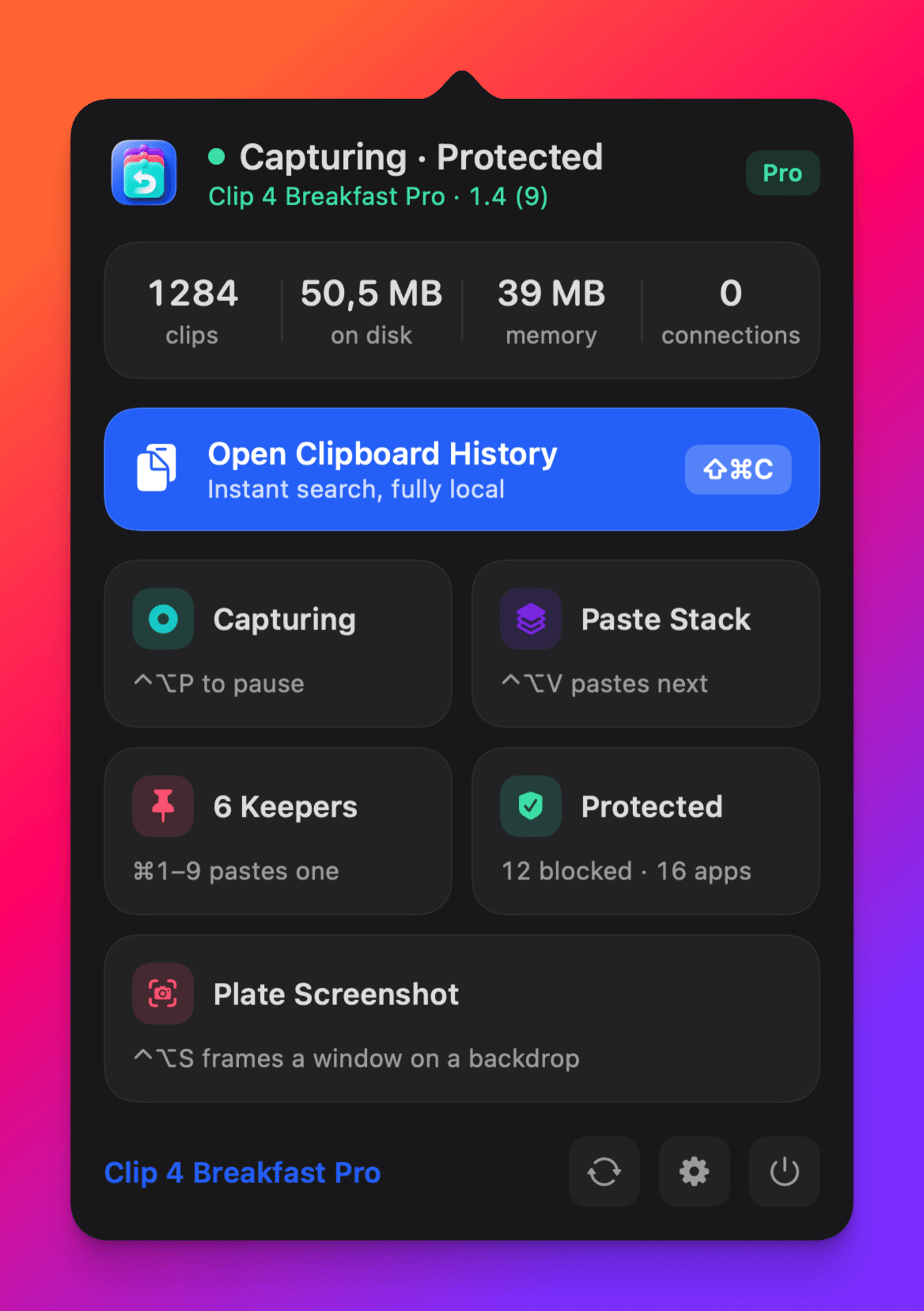
Only in Clip 4 Breakfast
Press one shortcut, click a window, and the capture is on your clipboard already framed on a designed backdrop. Paste does not offer this, and the apps that do are a separate purchase.
See how it worksPrimary references
Capabilities and purchase terms can change. These official sources were reviewed on 14 August 2026.
View the full comparisonBuilt for the paste after the paste
Take the full workflow into your own macOS setup and decide with the evidence in front of you.